With the rapid rise of hybrid and remote work, employees are using a wide range of devices like laptops, smartphones, tablets and desktops, to access business applications and data. This growing diversity of endpoints creates both opportunities and challenges for organizations, as IT teams must ensure seamless connectivity while maintaining strong security standards. Managing this complex environment is no longer optional but essential for business continuity. To address these needs, many organizations are adopting endpoint management with Microsoft Intune, a cloud based solution that unifies device oversight, streamlines operations and enhances data protection.
In this guide, we will understand how Microsoft Intune supports businesses in managing devices, improving security and creating a more productive digital workplace. The focus will be on why enterprises increasingly rely on this solution to overcome modern IT challenges.
Understanding Endpoint Management With Microsoft Intune
Endpoint management with Microsoft Intune refers to a cloud based service that allows businesses to manage, monitor and secure endpoints from a central platform. Endpoints include all devices used within an organization, whether corporate owned or employee owned under BYOD (Bring Your Own Device) policies.
With Microsoft Intune, organizations can configure security policies, deploy applications, enforce compliance and ensure that devices remain protected against evolving cyber threats. As a comprehensive Microsoft device management solution, Intune provides flexibility by operating from the cloud and integrating seamlessly with the Microsoft ecosystem, including Azure Active Directory and Microsoft 365.
Secure your devices and streamline management with Microsoft Intune. Contact TECHOM Systems today to book a free consultation and take control of your endpoints!

The Growing Need For Endpoint Management
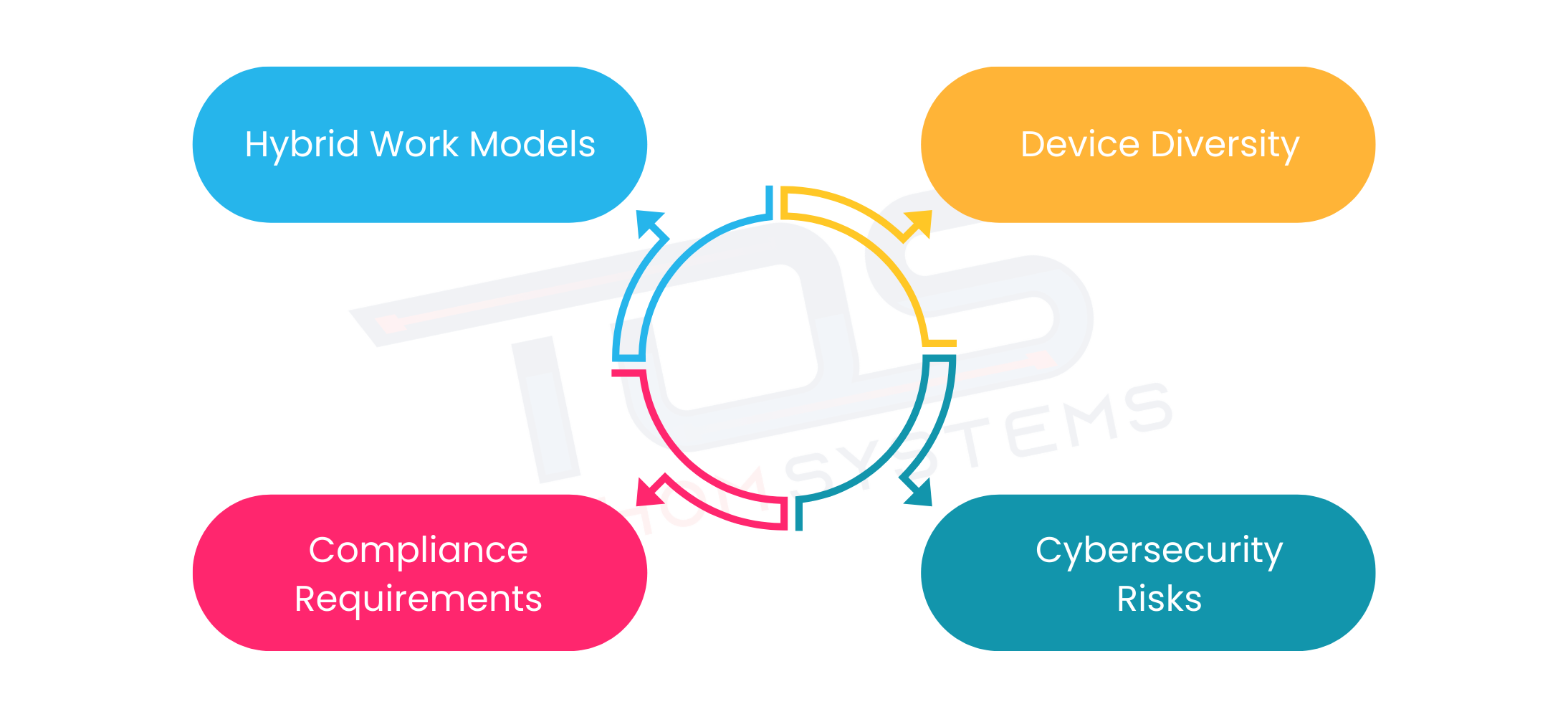
The rise of hybrid work and diverse device usage has transformed how businesses manage IT environments. To address these shifts, endpoint management with Microsoft Intune plays a vital role in ensuring security, compliance and productivity. The challenges below explain why it has become essential:
Hybrid work models:
Employees now access business applications and data from multiple locations, including homes, public Wi-Fi networks and shared workspaces. Understanding how does Microsoft Intune work helps organizations see how these endpoints can be securely managed, reducing vulnerabilities and protecting devices from potential threats.
Device diversity:
Businesses no longer manage only standardized desktops. They must account for a mix of laptops, tablets and smartphones running on operating systems such as Windows, macOS, Android and iOS. Ensuring consistent security updates and policy enforcement across this diverse environment is a major challenge for IT teams.
Compliance requirements:
Regulations in industries like finance, healthcare and government demand strict monitoring of data handling practices. Organizations must enforce encryption, manage access rights and generate detailed reports to demonstrate compliance. Without a robust endpoint management solution, staying compliant becomes both time-intensive and error-prone.
Cybersecurity risks:
Cybercriminals increasingly target endpoints as the easiest gateway into corporate networks. Threats such as phishing, ransomware and malware often exploit weakly secured devices. A single compromised endpoint can disrupt operations, leak sensitive data and damage business reputation.
These challenges underscore why businesses are turning to endpoint management with Microsoft Intune as a comprehensive solution that unifies control, strengthens defenses and ensures both compliance and productivity.
Benefits For IT Teams and Businesses
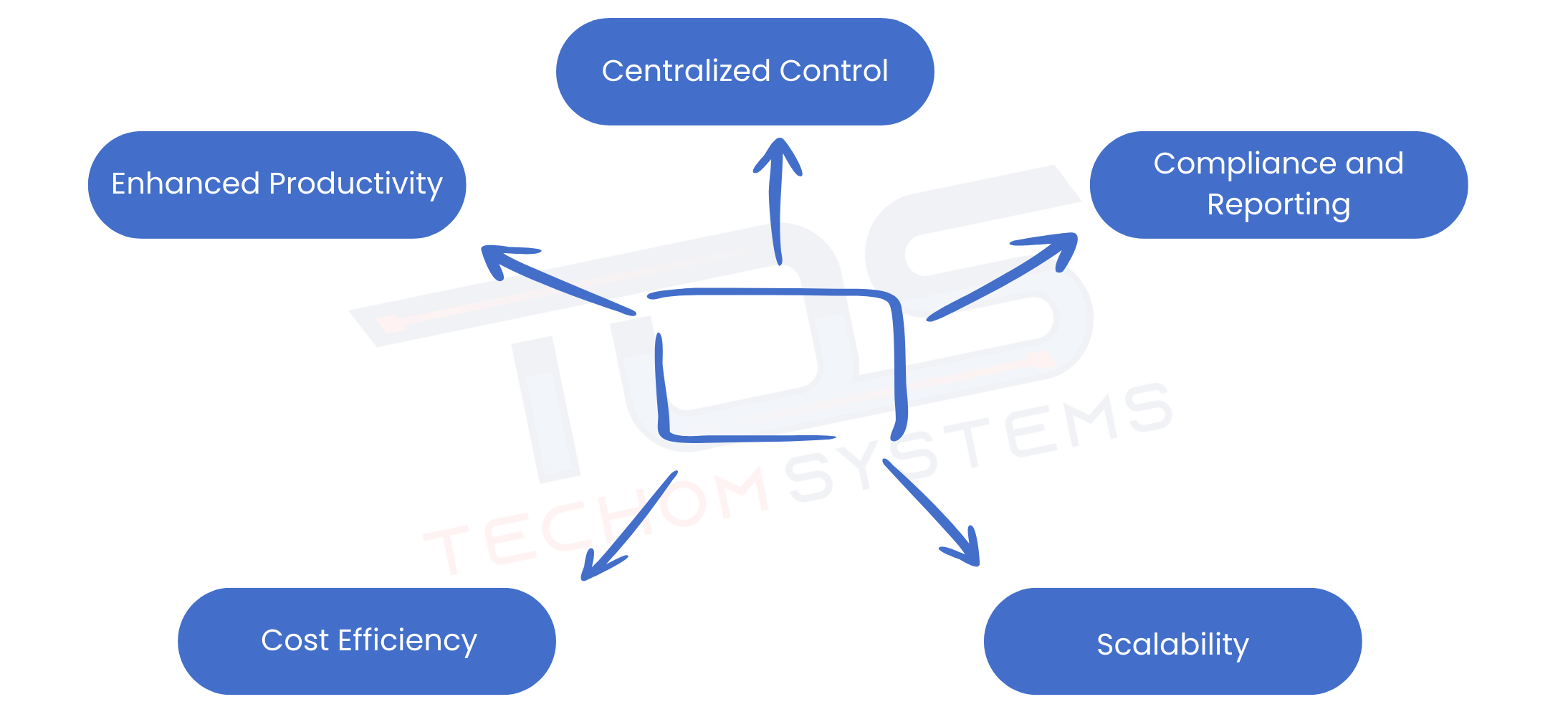
Adopting Intune delivers several advantages that resonate with both IT departments and executives, from simplifying device management to strengthening security and improving overall efficiency.
Centralized Control:
By managing all devices from a single platform, IT teams can reduce complexity and streamline operations. This unified approach eliminates the need for multiple management tools and allows administrators to enforce consistent policies across all endpoints.
Enhanced Productivity:
Employees can access the applications, files and resources they need quickly and securely. With fewer delays and interruptions, staff can remain focused on their tasks, which improves overall organizational efficiency.
Cost Efficiency:
Cloud based deployment minimizes the reliance on costly on-premises infrastructure. Organizations save on hardware, maintenance and operational overhead while benefiting from continuous updates and feature enhancements through Microsoft Intune management.
Scalability:
Intune can easily accommodate business growth, supporting additional devices and users without requiring major infrastructure changes. This flexibility ensures that endpoint management remains effective as organizations expand or adopt new technologies.
Compliance and Reporting:
Businesses can generate detailed compliance reports to track data access, enforce security policies and demonstrate adherence to industry regulations. These insights help IT teams quickly identify and address potential risks while maintaining regulatory standards.
These benefits make endpoint management with Microsoft Intune a strategic investment for businesses looking to align IT operations with long term growth objectives.
Free Guide For You: Step By Step Intune Migration Guide For Businesses
Microsoft Intune Security Solutions For Businesses
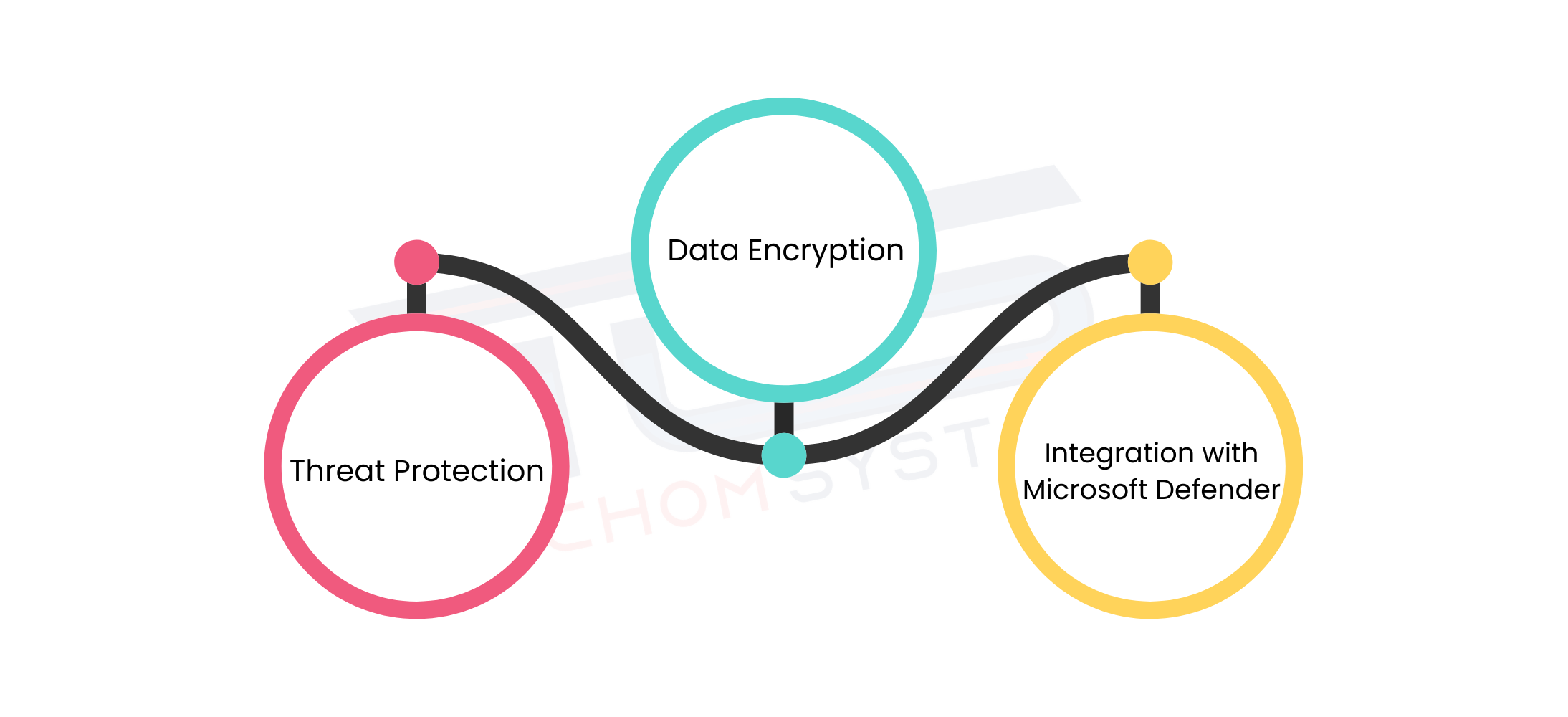
Security remains a top priority for enterprises and Intune provides capabilities that go beyond traditional device management.
- Threat Protection- Through Microsoft Intune security solutions, organizations can safeguard data by enforcing conditional access policies. This ensures only compliant and trusted devices can connect to sensitive business applications.
- Data Encryption- Intune enables encryption at the device and application level, reducing risks even if a device is lost or stolen.
- Integration with Microsoft Defender- Businesses can strengthen defenses further by combining Intune with Microsoft Defender for Endpoint. This integration enhances visibility into threats and improves response times.
With these measures, endpoint management with Microsoft Intune creates a secure environment where IT administrators maintain control while users enjoy a seamless experience.
Ready to simplify device management and strengthen security? Contact TECHOM Systems for expert Microsoft Intune solutions and book a free consultation. Get started today!
Endpoint Management For Remote Workforces
The shift to remote and hybrid work has made managing devices outside the office more complex than ever. Employees now access corporate resources from home networks, public Wi-Fi and various personal devices, which can increase security risks. Endpoint management with Microsoft Intune allows IT teams to enforce security policies, manage device configurations and ensure that only authorized users can access sensitive data, regardless of location.
Intune also enables remote deployment of applications, updates and patches, keeping employees productive without compromising security. By leveraging Microsoft Intune for mobile device management, IT administrators gain real-time visibility into device compliance, health and potential threats. For organizations embracing remote work, adopting Intune ensures a secure, efficient and flexible digital workplace.
The Future Of Endpoint Management With Microsoft Intune
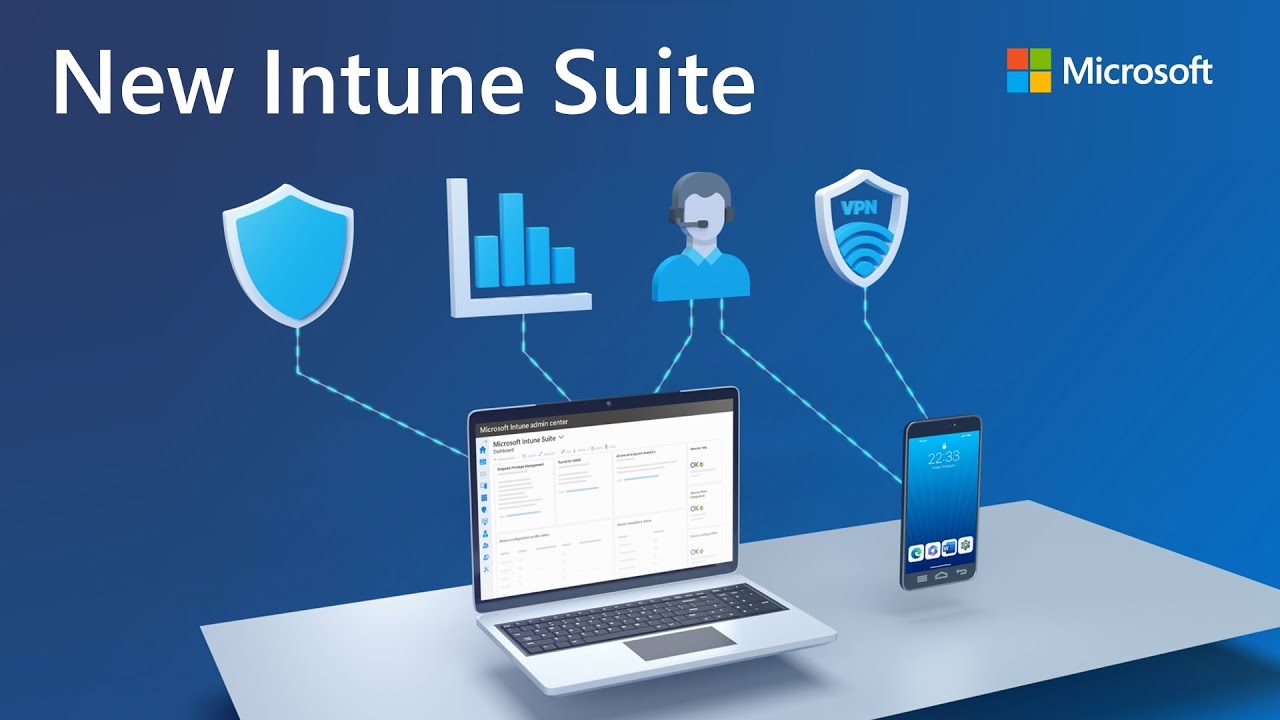
Image Source: Microsoft
As digital workplaces evolve, endpoint management will continue to play a vital role in maintaining secure and productive environments. Artificial intelligence, automation and zero-trust principles will shape the future of IT security and Intune is already designed to adapt to these advancements.
By leveraging Microsoft Intune security solutions, organizations can prepare for emerging threats while building a foundation for long term resilience. With continuous innovation from Microsoft and expert guidance from partners like TECHOM Systems, businesses are well positioned to meet future challenges confidently.
Choose TECHOM Systems For Microsoft Intune Services
For organizations searching for Microsoft Intune services, TECHOM Systems stands out with its expertise, technical proficiency and customer focused approach. Their comprehensive services include:
- Expert Guidance in Intune Mobile Device Management – TECHOM Systems assists businesses in configuring and managing Intune MDM, ensuring that all devices remain secure and compliant with organizational policies.
- Smooth and Secure Microsoft Intune Deployment – Their team ensures Intune is implemented efficiently, minimizing downtime and preventing configuration errors during setup.
- Ongoing Support and Training for IT Teams – TECHOM Systems provides continuous guidance and training, enabling IT staff to manage devices, enforce policies and maintain compliance effectively.
- Tailored Policies to Match Business Needs – Policies are customized to fit the organization’s size, industry and regulatory requirements, ensuring both security and operational efficiency.
By partnering with TECHOM Systems, businesses gain a trusted advisor that helps secure endpoints, manage applications effectively and maintain employee productivity across all devices.
Frequently Asked Questions
#1: What is endpoint management used for?
Ans: Endpoint management is used to monitor, secure and manage all devices within an organization. It ensures compliance, protects data, deploys applications and maintains productivity, allowing IT teams to control laptops, smartphones, tablets and desktops efficiently.
#2: Can Intune wipe a personal device?
Ans: Yes, Microsoft Intune can wipe a personal device, but it depends on the type of enrollment. IT admins can selectively remove corporate data without affecting personal files using Intune’s selective wipe feature, ensuring security while respecting privacy.
#3: Can Microsoft Intune track devices?
Ans: Yes, Microsoft Intune can track devices. It provides real-time visibility into device compliance, health and location, allowing IT teams to monitor, manage and secure endpoints across various platforms, ensuring data protection and operational efficiency.
Conclusion
In this blog, we explored why businesses need endpoint management with Microsoft Intune to secure, monitor and manage devices across modern workplaces. From enhancing productivity and ensuring compliance to supporting remote work and simplifying IT operations, Intune provides a comprehensive solution for today’s complex digital environments. Partnering with TECHOM Systems ensures smooth deployment, tailored policies and ongoing support, helping organizations maintain secure and efficient operations while maximizing the value of their endpoint management strategy.
Want to secure and manage all your devices effortlessly? Contact TECHOM Systems today and get expert guidance on Microsoft Intune setup, deployment and management. Book your free consultation now and take control of your endpoints!

Joe thrives at the intersection of technology and team productivity. With 8+ years in IT operations, cloud infrastructure and modern-driven process improvement, she excels at transforming complex systems into organized, manageable workflows. Joe’s real strength lies in helping teams make sense of technical environments, clarifying cloud deployments, streamlining IT processes and ensuring AI tools are applied effectively. Her approachable guidance and structured communication reduce confusion, boost collaboration and make technical innovation feel achievable. Joe believes technology works best when it empowers people, not complicates their work.