
Key Insights
Before you dive into the full blog, here’s a quick overview of what you’ll learn about Intune mobile application management and how it supports modern remote teams:
Why businesses struggle with app security in remote and BYOD environments, and how app-level protection solves the problem.
How Microsoft Intune simplifies mobile application management without forcing device enrollment.
Ways MAM security protects sensitive corporate data, even on personal devices.
Why Intune is ideal for remote teams, offering secure access without disrupting productivity.
Real-world benefits including better compliance, reduced IT workload, and stronger data protection.
Practical steps to get started, including setup guidance and key configurations for remote teams.
Why TECHOM Systems is a trusted choice for organizations looking to implement Microsoft Intune effectively.
Have you ever wondered how your employees can securely access corporate apps on their personal devices without compromising company data? Or maybe you are struggling to manage multiple devices while ensuring your remote team stays productive and compliant. If these sound familiar, you are not alone. Many businesses face these exact challenges every day.
That’s exactly why Intune mobile application management has become a game-changer for organizations embracing remote work. By focusing on app-level security rather than full device control, it allows your team to work from anywhere while keeping sensitive data safe. In this guide, I’ll walk you through how it works, why it matters and how TECHOM Systems can help you set it up seamlessly.
Understanding Intune Mobile Application Management
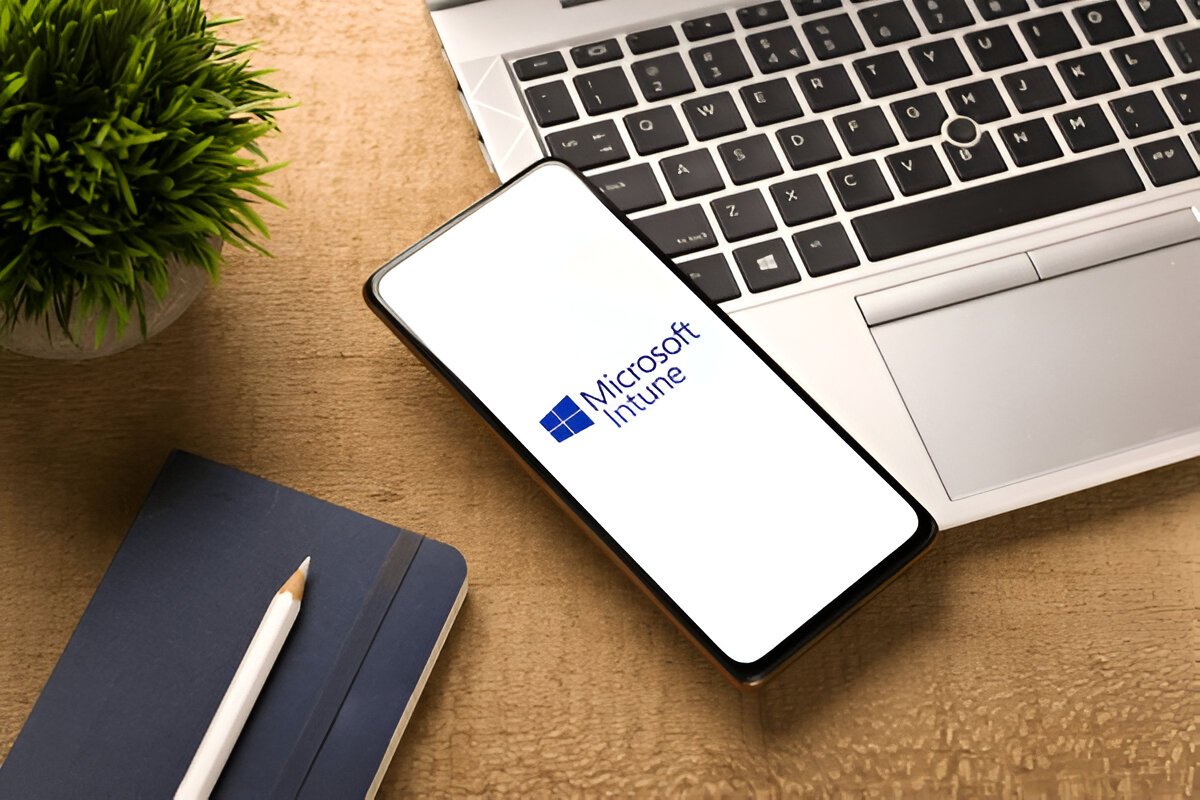
Intune mobile application management is a Microsoft solution designed to secure and manage business apps without taking over the entire device. Unlike traditional mobile device management, which enforces policies on the whole phone or tablet, Intune focuses specifically on applications that interact with corporate data.
Think of it this way: your employees can use their favorite apps on their own devices, but the corporate apps—like Outlook, Teams or SharePoint—remain fully protected. TECHOM Systems often helps organizations implement these strategies, ensuring that security doesn’t come at the expense of productivity.
By applying mobile application management policies, you can control what users can do within apps. For example, you can prevent copy-pasting between corporate and personal apps, block saving corporate files to personal storage or enforce encryption on sensitive data.
Ready to secure your apps and empower your remote team? Contact TECHOM Systems today and get expert guidance tailored to your business. Click below to book a free consultation now…

Why Remote Teams Need Intune Mobile Application Management
Remote work has transformed the modern business landscape. Teams now work from home, coworking spaces or even while traveling. While this flexibility boosts productivity, it also introduces risks:
- Sensitive data could be accessed on personal devices
- Compliance with corporate policies becomes harder to track
- IT teams struggle to manage multiple devices across locations
With Intune mobile application management, you can overcome these challenges. By applying policies at the app level, remote employees can access corporate resources safely without enrolling their personal devices in full device management.
I’ve seen companies reduce security incidents dramatically after implementing Microsoft Intune. With proper setup, remote teams can work efficiently while you retain peace of mind.
How Does Microsoft Intune Work?
Many businesses ask, how does Microsoft Intune work? The answer lies in app-level control combined with identity and access management. Intune integrates with Azure Active Directory to ensure only authenticated and compliant users can access corporate apps.
Here’s a simple workflow:
- A user opens a corporate app like Outlook on their personal device.
- Intune checks the device and app against protection policies.
- Conditional access rules determine whether access is granted.
- If policies aren’t met, the user is guided to take corrective action.
This method allows you to secure your apps without interfering with personal data. I often tell clients that this balance between security and user freedom is one of the strongest advantages of Intune.
Benefits Of Intune Mobile Application Management

Implementing Intune mobile application management provides several significant advantages for businesses, especially those supporting remote teams and BYOD environments:
- Enhanced Productivity
Employees can use the devices they are most comfortable with, whether it’s a personal phone, tablet or laptop. They don’t have to learn new tools or switch devices, which means they can focus on their work rather than struggling with technology. I’ve seen teams stay more engaged and responsive when they can work from devices they know and trust.
- Lower IT Overhead
With Intune, IT teams can focus on managing apps rather than the entire device. Policies are applied directly to corporate applications, which reduces the complexity of monitoring multiple device types and platforms. This streamlines administrative tasks, saves time and allows IT to focus on more strategic initiatives.
- Better Compliance
Intune helps organizations protect sensitive data and comply with industry regulations such as GDPR, HIPAA or internal security policies. Policies can enforce encryption, restrict sharing and ensure secure access to corporate apps, reducing the risk of violations or data breaches.
- Seamless Remote Work Support
Employees can access essential apps securely from anywhere in the world. Whether they are working from home, a coworking space or while traveling, Intune ensures that security policies are consistently applied without disrupting the workflow. This flexibility is essential for businesses embracing hybrid or fully remote models.
- Data Leakage Prevention
One of the strongest advantages of Intune is its ability to prevent corporate data from leaving authorized apps. Policies can restrict copying, pasting, downloading or sharing of sensitive information, ensuring that company data stays protected even on personal devices.
I’ve seen companies streamline their operations, reduce IT headaches and strengthen overall security significantly after adopting Intune. The combination of app-level control, user flexibility and robust security policies makes it a truly worthwhile investment for modern businesses.
Free Guide For You: How To Track and Monitor Apps on Devices Using Intune
Did You Know?
- Did you know that Intune allows app-level policies even on personal devices? This means employees don’t have to enroll their phones entirely in corporate management.
- Many companies overlook the fact that Intune integrates with conditional access policies, ensuring that only compliant apps can access corporate data.
- Organizations using MAM security can prevent accidental data leakage, such as copying sensitive information to personal apps or cloud storage.
These features make Intune not just a management tool, but a complete security framework for modern workforces.
Implementing Microsoft Intune Setup For Remote Teams

When it comes to Microsoft Intune setup for remote teams, planning is key. You need to identify which apps need protection, define access policies and decide how compliance will be monitored.
Here’s how I usually recommend approaching it:
- Assess Your Business Needs – Identify which apps are critical for your remote workforce.
- Design App Protection Policies – Decide what users can do within each app, such as copy, save or share restrictions.
- Configure Conditional Access – Ensure that only authenticated and compliant devices can access corporate data.
- Deploy to Users – Roll out the apps with Intune policies applied.
- Monitor and Adjust – Continuously check compliance reports and tweak policies as needed.
By following these steps, you can ensure that your remote team remains productive without compromising security.
MAM Security: Protecting Corporate Data
One of the biggest concerns for remote teams is security. MAM security focuses specifically on app-level controls rather than the entire device. This ensures that even if a personal device is lost or compromised, corporate data remains safe.
With MAM security, you can:
- Encrypt data inside corporate apps
- Prevent copying or sharing data to unauthorized apps
- Enforce multi-factor authentication for app access
- Remotely wipe corporate data if necessary
I always recommend that companies implement these policies with expert guidance to avoid misconfigurations. TECHOM Systems can help you set up MAM security effectively, keeping your business safe and compliant.
What Should I Do Now?
If you are reading this, you might be wondering, “What should I do now?” Here’s my advice:
- Assess Your Current App Security – Check which apps your remote team is using and how data is being shared.
- Reach Out to Experts – I suggest contacting TECHOM Systems for a consultation. They can help you implement Intune mobile application management tailored to your business needs.
- Plan Your Policies – Work with your IT team or a consultant to define app protection rules and access controls.
- Train Your Team – Ensure employees understand how to use apps securely.
You can email TECHOM Systems directly at hello@techomsystems.com.au to get started. I promise that taking this step now will save time, effort and potential data breaches in the future.
Choose TECHOM Systems For Unmatched Intune Expertise
When it comes to implementing Intune mobile application management, having the right provider can make all the difference. I recommend choosing TECHOM Systems because they bring both technical expertise and practical experience to every deployment.
Here’s why TECHOM Systems stands out:
- Tailored Solutions: Every business is different. TECHOM Systems analyzes your unique requirements and designs Intune policies that fit your workflow and security needs.
- Seamless Deployment: From setup to rollout, their team ensures a smooth implementation for your remote workforce, reducing disruptions and downtime.
- Enhanced Security: With a focus on MAM security, they safeguard corporate data at the app level while respecting employee privacy.
- Remote Team Support: Whether your team is distributed across cities or countries, TECHOM Systems ensures all devices and apps comply with your policies.
- Ongoing Guidance: Beyond setup, they provide continuous monitoring, support and updates, so your Intune deployment always runs efficiently.
If you are ready to secure your business apps while keeping your remote team productive, I suggest contacting TECHOM Systems today at hello@techomsystems.com.au. I can personally assure you that their expertise will make the transition smooth and worry-free.
Frequently Asked Questions
#1: Can I enforce policies without enrolling a device?
Ans. Yes. One of Intune’s strengths is applying app protection policies even on unmanaged devices. This ensures corporate data remains secure while respecting user privacy on personal devices.
#2: How do I get started with Intune?
Ans. The best approach is to assess your app needs, define protection policies and deploy through a structured plan. Connecting with experts like TECHOM Systems can simplify setup and ensure security.
#3: Does Intune work with both iOS and Android devices?
Ans. Absolutely. Intune supports cross-platform management for both iOS and Android, ensuring consistent protection and policy enforcement across all employee devices.
Conclusion
Managing corporate apps for remote teams doesn’t have to be complicated. Intune mobile application management allows you to secure sensitive data, enforce policies and maintain productivity across diverse devices. With features like app protection, conditional access and MAM security, it’s the ideal solution for businesses embracing remote work.
If you are ready to take control of your mobile apps, Contact TECHOM Systems. They can guide you through setup, policies and ongoing support. Email hello@techomsystems.com.au to schedule a consultation.
I’d love to hear your thoughts—comment below and share your experiences with mobile app management.

Joe thrives at the intersection of technology and team productivity. With 8+ years in IT operations, cloud infrastructure and modern-driven process improvement, she excels at transforming complex systems into organized, manageable workflows. Joe’s real strength lies in helping teams make sense of technical environments, clarifying cloud deployments, streamlining IT processes and ensuring AI tools are applied effectively. Her approachable guidance and structured communication reduce confusion, boost collaboration and make technical innovation feel achievable. Joe believes technology works best when it empowers people, not complicates their work.