In a modern workplace, virtual collaboration has become essential for driving business success. Organizations across industries rely on Microsoft Teams to connect employees, streamline projects and strengthen communication. While the platform itself offers powerful features, the effectiveness of meetings depends largely on how they are planned, executed and managed. Adopting the best practices for Microsoft Teams meetings ensures that teams not only stay connected but also remain productive and engaged.
At TECHOM Systems, we understand how crucial well-structured virtual meetings are for achieving organizational goals. By following the right methods, businesses can maximize the value of their Microsoft Teams experience.
Why The Best Practices For Microsoft Teams Meetings Are Essential?
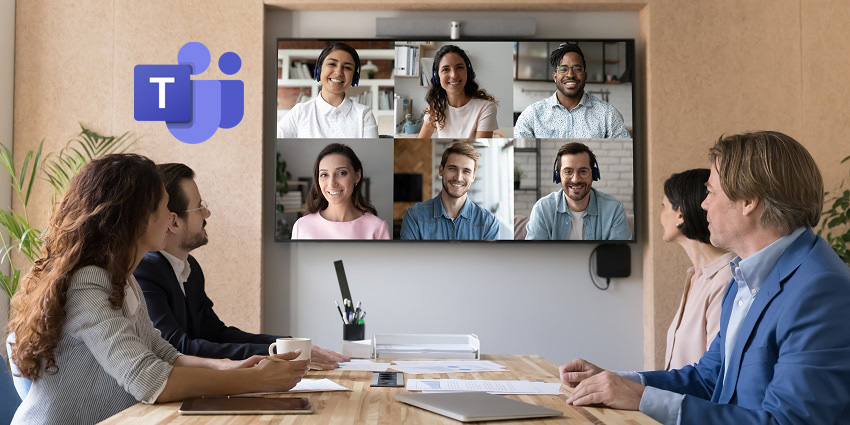
Image Source: Microsoft
Meetings are designed to bring teams together, align on goals, solve challenges efficiently and encourage collaboration among employees. However, without a structured approach, virtual sessions can quickly become overwhelming or unproductive. Participants may lose focus, discussions can drift off-topic and important decisions might be delayed, reducing the overall effectiveness of the meeting.
Implementing the best practices for Microsoft Teams meetings helps organizations enhance engagement, use time efficiently and improve communication across departments. From setting a clear agenda to leveraging Microsoft Teams features like screen sharing, breakout rooms and collaborative whiteboards, these strategies support interactive discussions and active participation. By following these practices consistently, businesses can foster stronger teamwork, better decision making and a culture of collaboration that drives meaningful results.
Effective Preparation For Microsoft Teams Meetings
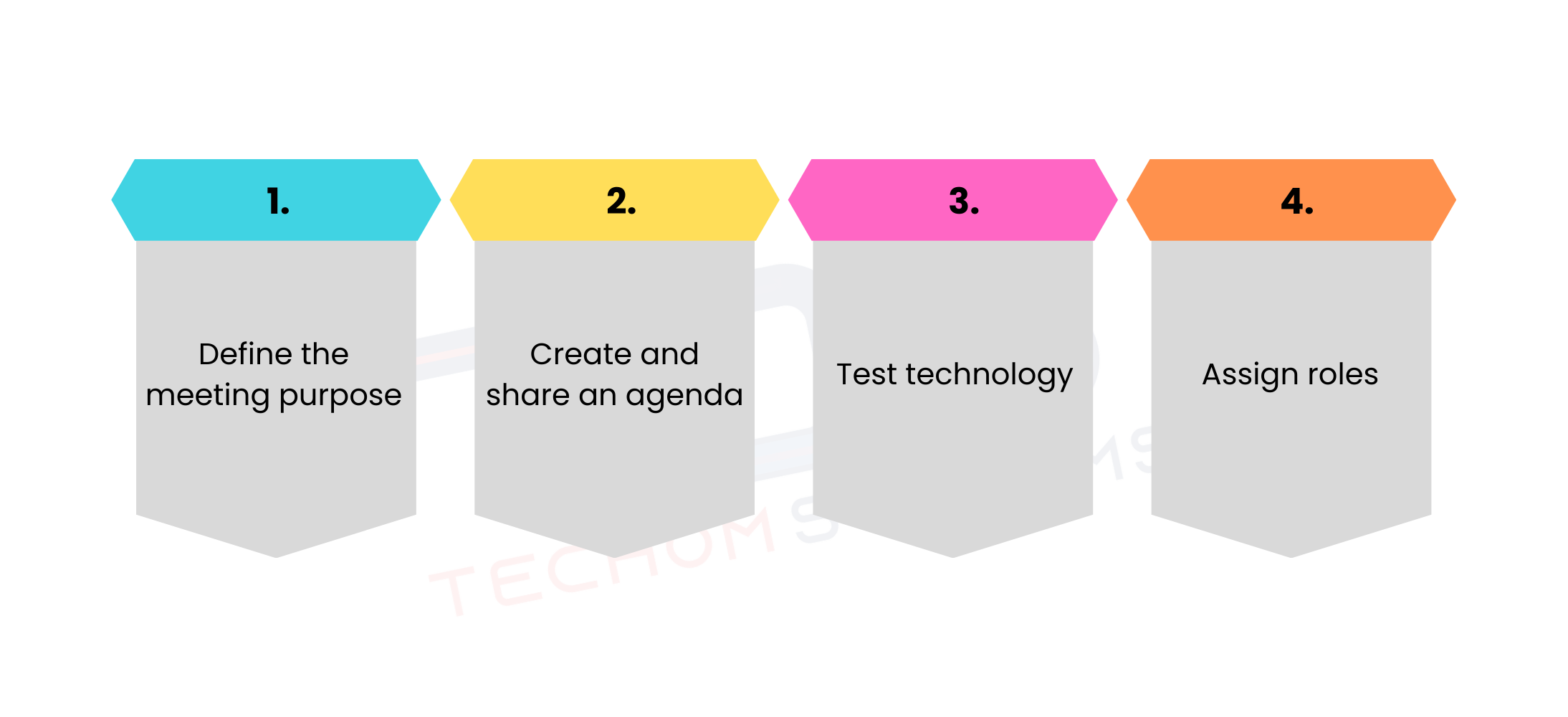
Preparation is the cornerstone of a successful virtual session. Taking the time to get ready ensures that participants join the meeting with clarity, focus and a clear understanding of their role. Using Microsoft Teams for connectivity helps streamline communication and keeps everyone connected, making meetings more efficient, productive and engaging while minimizing confusion and unnecessary delays. By dedicating effort to preparation, organizations can set the tone for a smooth and impactful discussion.
Key preparation steps include:
- Define the meeting purpose – Clearly outline whether the session is intended for brainstorming new ideas, solving specific challenges, reviewing project progress or reporting on departmental updates. Defining the purpose ensures that every participant understands the goal and can contribute effectively.
- Create and share an agenda – Providing a detailed agenda ahead of time allows attendees to prepare, gather necessary information and prioritize discussion points. This step also helps maintain focus during the meeting and ensures that all critical topics are addressed.
- Test technology – Technical difficulties can disrupt the flow of a meeting. Checking microphones, cameras, internet connectivity and access to shared files ahead of time prevents delays and reduces frustration for all participants.
- Assign roles – Identifying a moderator, presenter and note-taker streamlines responsibilities, helps manage the discussion and ensures that action items are recorded and tracked efficiently.
By embedding preparation into the workflow, organizations can unlock the full benefits of Microsoft Teams, turning routine sessions into productive and collaborative experiences. At TECHOM Systems, we emphasize preparation as one of the most vital best practices for Microsoft Teams meetings, as it sets the foundation for successful and engaging virtual collaboration.
Struggling to get the most out of your Teams meetings? Contact TECHOM Systems and book a free consultation today.

Best Approaches For Productive Microsoft Teams Meetings
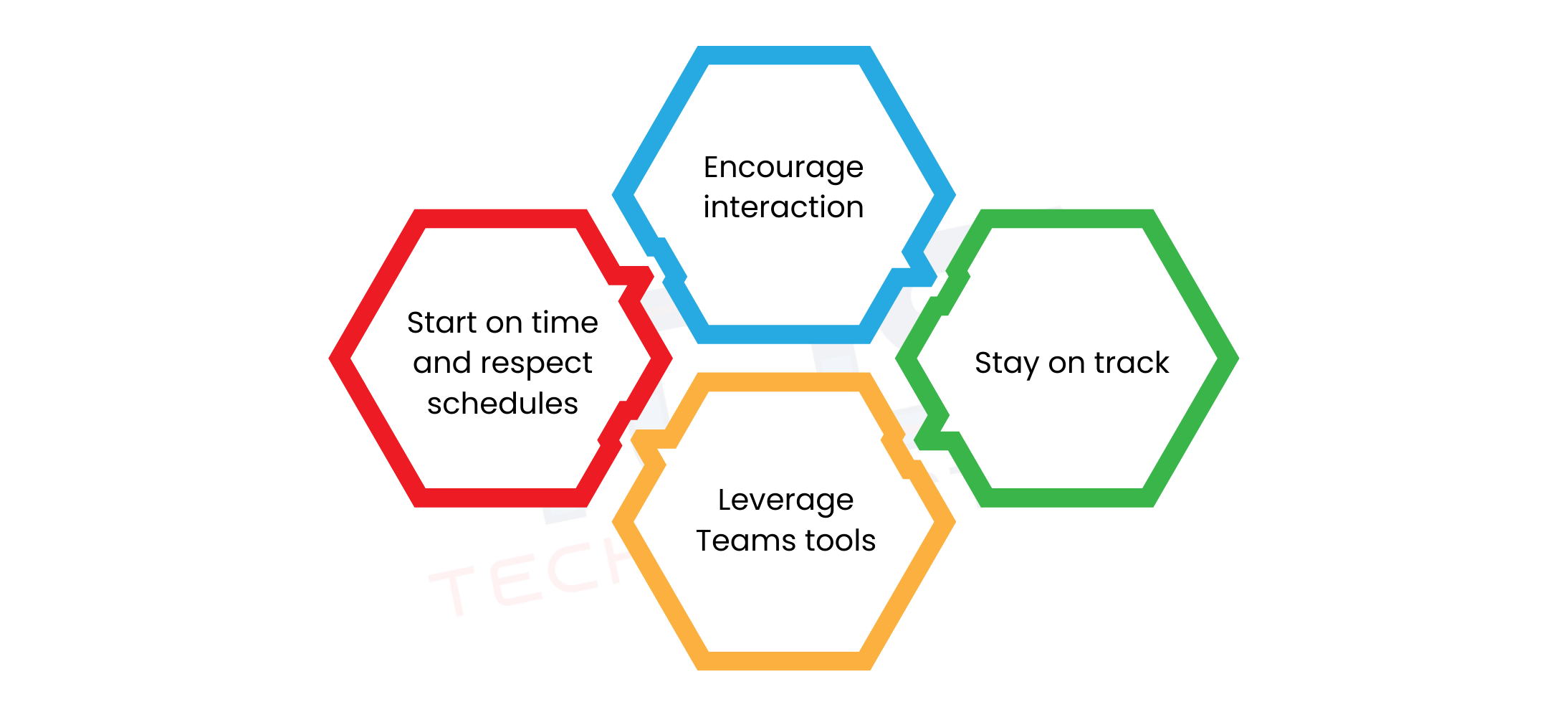
Execution plays an equally important role in ensuring a successful Microsoft Teams meeting. Even with thorough preparation, meetings can quickly lose focus or become unproductive without strong facilitation. Leveraging Microsoft Teams deployment services can help organizations set up the platform effectively, ensuring that sessions remain organized, participants stay engaged and objectives are consistently achieved.
Recommended approaches to running efficient and productive meetings include:
1. Start on time and respect schedules –
Beginning meetings promptly shows respect for participants’ time and builds a culture of punctuality and professionalism. It encourages everyone to join prepared and ready to contribute, ultimately fostering trust among team members.
2. Encourage interaction –
Actively engaging participants through polls, chat messages or hand-raising features helps maintain attention and creates a more dynamic environment. Interaction promotes idea-sharing, increases engagement and ensures that every participant has a chance to contribute.
3. Stay on track –
Following the agenda strictly and limiting off-topic discussions prevents meetings from veering off course. Clear moderation and time management allow teams to cover all key points efficiently and achieve the intended outcomes.
4. Leverage Teams tools –
Utilizing built-in Microsoft Teams features such as screen sharing, breakout rooms and collaborative whiteboards enhances the collaborative experience. These tools make discussions more visual and interactive, allowing participants to work together seamlessly even in virtual settings.
By implementing these strategies, organizations can create smooth and highly effective sessions. Participants gain confidence to contribute meaningfully, discussions remain productive and the meeting achieves its goals. Following such practices is an essential component of the best practices for Microsoft Teams meetings, as recommended by experts at TECHOM Systems.
Free Guide For You: How To Download and Install Microsoft Teams (Latest Version)
How To Engage Large Teams In Microsoft Teams Meetings?
One challenge many companies face is managing events with dozens or even hundreds of participants. Using Microsoft Teams for large meetings requires additional strategies to maintain order and keep everyone involved.
Best practices include:
- Using the “hard mute” option to control background noise.
- Assigning co-organizers to help manage Q&A sessions.
- Sharing files and resources in advance to limit disruptions.
- Recording the session so absent employees can review later.
TECHOM Systems often advises clients to run practice sessions before hosting Microsoft Teams for large meetings, as it allows teams to identify potential technical issues. These efforts create a seamless experience for both organizers and attendees.
Want to maximize the value of your Microsoft Teams meetings? Contact TECHOM Systems and book a free consultation today.
Tips and Tricks To Elevate Your Microsoft Teams Experience
Beyond the basics, professionals can benefit from advanced strategies to maximize value. Incorporating smart techniques helps unlock hidden features and improves efficiency.
Here are some tips and tricks for Microsoft Teams worth considering:
- Keyboard shortcuts: Use quick commands to navigate faster and improve productivity.
- Meeting recaps: Automatically generate notes and recordings to ensure everyone stays aligned.
- Custom backgrounds: Maintain a professional appearance in all sessions.
- Live captions: Enhance accessibility for participants from diverse regions.
By adopting these tips and tricks for Microsoft Teams, employees create an environment that balances efficiency and engagement, ultimately improving collaboration across the organization.
Common Mistakes To Avoid In Microsoft Teams Meetings
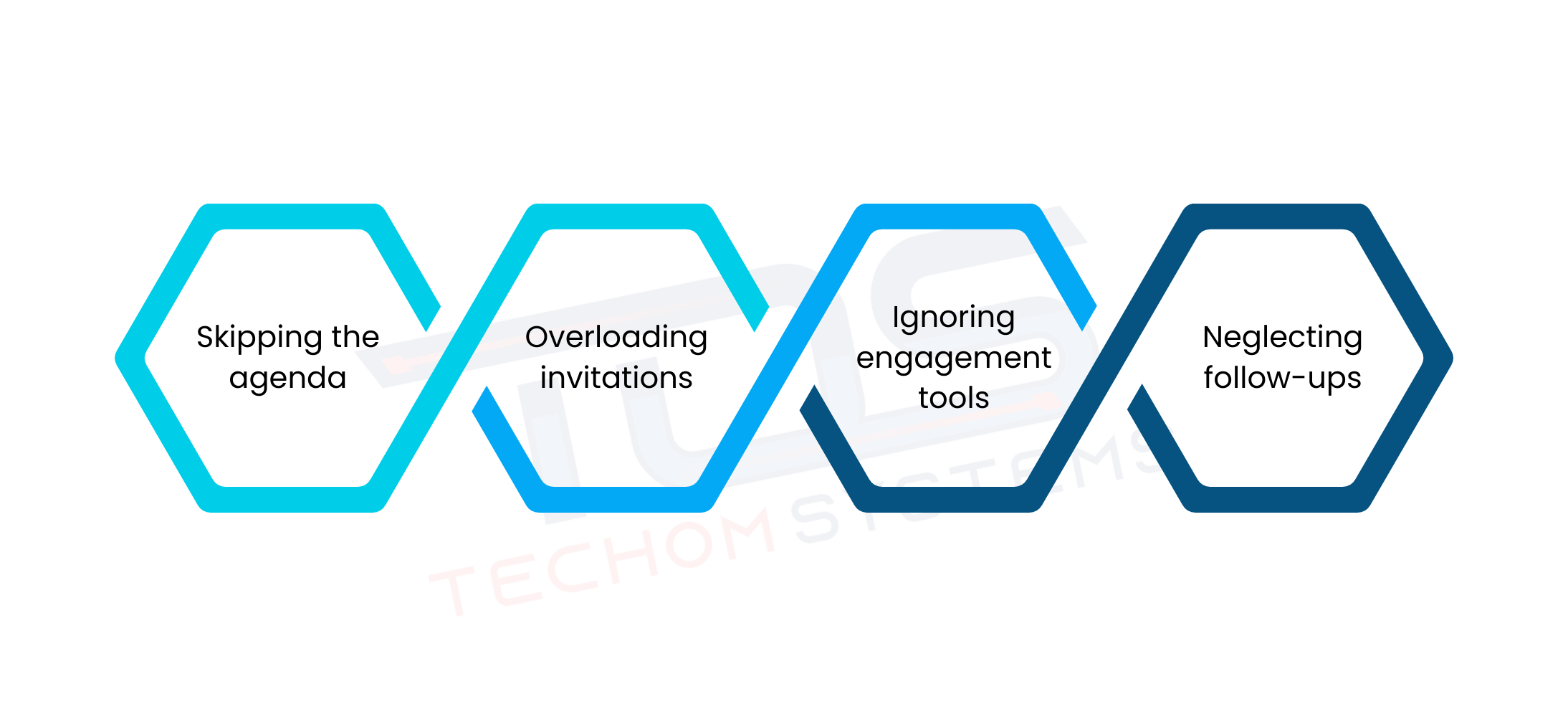
While technology is a powerful enabler, certain practices can reduce meeting quality. Avoiding these common mistakes is an important aspect of the best practices for Microsoft Teams meetings.
- Skipping the agenda – Meetings without a clear agenda often lack focus and discussions can drift off-topic. Sharing the agenda in advance ensures participants are prepared and keeps the meeting structured.
- Overloading invitations – Inviting too many participants can dilute the discussion and reduce overall efficiency. Limiting attendees to those directly involved in the topic keeps meetings more productive and relevant.
- Ignoring engagement tools – Failing to use features like chat, polls or breakout rooms can make meetings passive and less engaging. Utilizing these tools encourages participation, fosters collaboration and keeps energy levels high throughout the session.
- Neglecting follow-ups – Without proper follow-ups, important decisions and action items can be forgotten. Providing clear summaries, assigning tasks and sharing recordings help maintain accountability and ensure that meeting outcomes are implemented effectively.
Addressing and correcting these common mistakes ensures that meetings remain focused, productive and purposeful. Teams can achieve meaningful outcomes, make well informed decisions and maintain clear accountability. At the same time, participants’ time is valued, reducing frustration and fostering a culture of efficiency and respect within the organization.
The Role Of Follow-Ups
Follow-ups are often overlooked but remain a core part of successful collaboration. After the meeting concludes, leaders should share notes, assign action items and send recordings when applicable.
By summarizing key takeaways, businesses create accountability and clarity, ensuring that the meeting’s purpose translates into measurable results. TECHOM Systems advises embedding follow-ups into the organizational culture as part of the best practices for Microsoft Teams meetings.
Choose TECHOM Systems For Microsoft Teams Services
TECHOM Systems brings extensive experience and valuable local insight, backed by a highly qualified team of Microsoft Teams consultants. Known for delivering secure, scalable and efficient collaboration platforms, TECHOM Systems helps organizations maximize the potential of their virtual meetings and teamwork.
Key areas of focus include:
- End to end Microsoft Teams consultancy services – From initial assessment to deployment and ongoing support, TECHOM Systems provides comprehensive guidance to ensure that Teams is implemented effectively and aligns with business goals.
- Proven expertise in Microsoft Teams meetings – With hands-on experience managing meetings of all sizes, including large scale events, TECHOM Systems ensures that sessions are structured, interactive and productive, helping organizations achieve better collaboration outcomes.
- Customized solutions designed by leading MS Teams consultants – Understanding that every business has unique requirements, TECHOM Systems delivers tailored solutions, including interactive meeting setups, advanced workflow integration and user training to optimize Teams usage.
- Trusted by businesses for reliable Microsoft Teams support – Organizations rely on TECHOM Systems for ongoing technical support, troubleshooting and strategic guidance, ensuring a smooth and uninterrupted Microsoft Teams experience.
By combining technical expertise with strategic insights, TECHOM Systems empowers businesses to fully leverage Microsoft Teams for enhanced collaboration, engagement and productivity.
Frequently Asked Questions
#1: How do I schedule a Microsoft Teams meeting?
Ans: You can schedule a Microsoft Teams meeting through the Teams app or Outlook. Select “New Meeting,” set the date, time and participants, add a title and agenda, then send invites. Attendees receive a link to join the meeting from any device.
#2: Can I record a Microsoft Teams meeting?
Ans: Yes! Microsoft Teams allows you to record meetings so you can review discussions later or share them with absent participants. Recordings capture audio, video and screen sharing. After the meeting, the recording is saved in Teams or OneDrive, making it easy to access anytime.
#3: How do I invite others to a Teams meeting?
Ans: You can invite others to a Microsoft Teams meeting by scheduling it in Teams or Outlook. Simply add participants’ email addresses when creating the meeting or share the meeting link directly. Invited attendees can join via the link or their Teams app at the scheduled time.
Conclusion
In this blog, we explored how to enhance teamwork by following the best practices for Microsoft Teams meetings. We learned the importance of careful preparation, setting clear agendas and assigning roles to ensure meetings are productive and focused. We also discussed strategies for engaging large groups, leveraging interactive features and using built-in tools like polls, breakout rooms and screen sharing to foster collaboration. Additionally, avoiding common mistakes such as skipping agendas, overloading invitations or neglecting follow-ups helps teams achieve meaningful outcomes and respect participants’ time.
By applying these insights, organizations can transform routine meetings into structured, engaging and results driven sessions. TECHOM Systems emphasizes that with the right practices, Microsoft Teams becomes more than just a communication tool—it becomes a strategic platform for collaboration, productivity and business growth.
Ready to take your Microsoft Teams meetings to the next level? Contact TECHOM Systems today to get expert guidance, customized solutions and support that ensures every meeting is productive, interactive and impactful. Book a free consultation now…